A free preventive maintenance schedule template that works out every service by miles or months, whichever comes first. Maryland PM intervals are built in. Google Sheet, PDF or Excel.
Seven tabs that turn a list of trucks into a schedule you can keep up with.
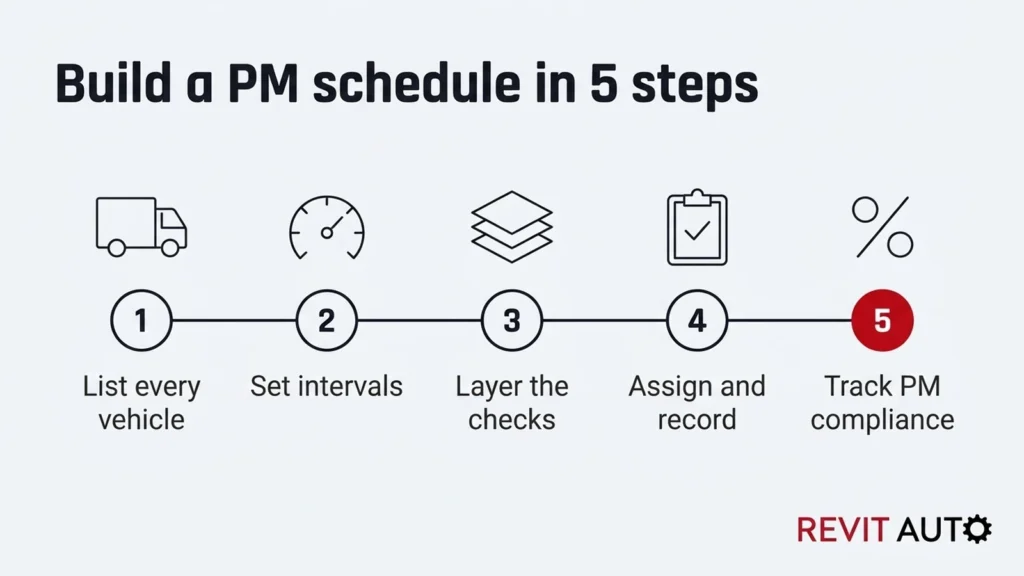
1. List every vehicle and trailer on the Fleet list, with today’s odometer and average miles a month.
2. Check the intervals on the Services tab against each maker’s manual.
3. Add your services on the PM schedule, with when each was last done.
4. Watch the Status column. It turns yellow two weeks out and red when a service is overdue.
5. Log every job with the date and mileage.
6. Check PM compliance monthly. When it drops, find out why.
Your copy can email you each morning when a service is overdue or coming due. Setup takes two minutes.
1. Open your copy and wait a few seconds. A Revit Alerts menu appears at the top, after Help.
2. Go to the Settings tab. Add the alert email, or leave it blank to use yours, and your fleet name.
3. Click Revit Alerts, then Send due-date email now. Approve the permissions when Google asks (see the note below).
4. Click Revit Alerts, then Turn on daily email. It arrives around 7 am, only on days something is due.
To stop it, click Revit Alerts, then Turn off daily email.
About the Google warning. The first time, Google asks for permission. Click Continue and pick your account. If you see “Google hasn’t verified this app”, click Advanced, then Go to … (unsafe), then Allow.
That warning shows for any script inside a personal copy. The script runs only in your copy, under your own Google account. You approve it once.
Running mixed fleets of vans, box trucks and tractors, each on its own clock.
Maryland-plated trucks over 10,000 lb that can come due by miles months before their 12-month date.
Outgrowing a whiteboard, but not ready for fleet software yet.
The same engine can need oil at 35,000 miles in stop-and-go work and at 75,000 on the highway. Those are Detroit’s published DD15 intervals, and they’re on the Maker examples tab.
Maryland adds its own clock. A straight truck running 3,500 miles a month hits 25,000 miles in about 7 months, so it’s due in month 7, not month 12.
The roadside data shows what slips. Of 68,218 Maryland inspections that checked the vehicle in a year, 2,122 cited no proof of the annual inspection.
The five steps behind it are in our guide to building a PM schedule.
Yes. Enter your name and email, and you get a link to make your own copy, plus PDF and Excel versions.
Oil, filter and fluid intervals depend on your engine and duty cycle. Enter your maker’s numbers; the Maker examples tab shows how much they vary.
Yes. In your copy, turn on the daily email from the Revit Alerts menu.
For commercial carriers, yes. Federal rules require a way to show what each inspection and service is and when it’s due.
Yes. Pick a truck’s Maryland PM class, and its inspection comes due at the class mileage or months, whichever comes first.
When the sheet gets hard to keep current, usually past a few dozen units. Downtime Terminator, the fleet app Revit Auto makes, keeps PM, history and work orders in one place.
Through our Fleet Protection Program, we service and inspect your trucks at your yard on a set schedule, across Maryland, DC and Northern Virginia.
This resource explains federal and Maryland rules for general information. It isn’t legal advice. Confirm current requirements with FMCSA and the Maryland MVA.
202-827-5955
Damascus, MD 20872 US